Open a file. Press play.
Play common video formats without moving files around first. Choose audio and subtitles, then keep watching on the screen you prefer.
MKVMP4HEVCAV14K HDRSubtitles
BoxPlayerYour media, everywhere · Six platforms

Bring cloud drives, local files, and media servers into one library. Find your next film on Windows, macOS, iOS, tvOS, Android, and Android TV.
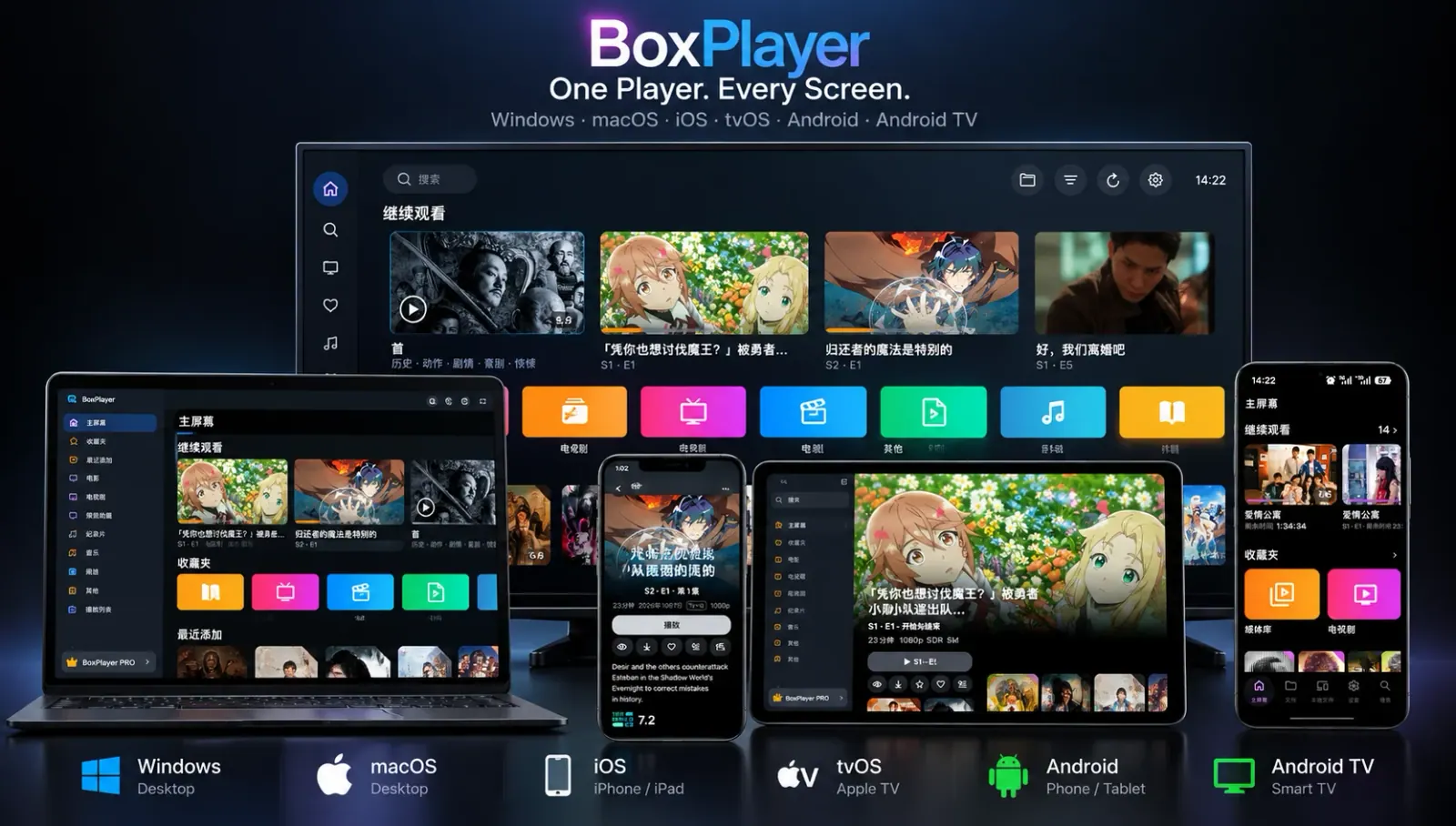
From opening a file to settling in for a film, BoxPlayer keeps the busywork out of the way.
Play common video formats without moving files around first. Choose audio and subtitles, then keep watching on the screen you prefer.
Aliyun Drive, Baidu, Google Drive, 115, PikPak, NAS, WebDAV, Plex, Emby, and Jellyfin come together in one place.
BoxPlayer has a place on computers, phones, tablets, and TVs.
Scan movies and shows for posters, details, and ratings. Recently added, continue watching, and categories make your library easy to explore.
BoxPlayer is a cross-platform media player for browsing and playing your personal media from cloud drives, local files, and media servers. If you choose to connect and authorize Google Drive, BoxPlayer uses the Google Drive API to read file and folder names and listings so you can browse your Drive in the app and scan the folders you choose to build a media library. BoxPlayer reads the contents of media files you open to play them. You can also choose to download files. Versions with Drive file management can also upload or manage files when you use those controls.
ONE PLAYER. EVERY SCREEN.
From your desk to your pocket to your living room. Meet BoxPlayer on the devices you love.
“
Your media. Your way to watch it.BoxPlayer · Free and open-source media player
Choose a device, connect the sources you have, and make BoxPlayer your media home.